Overview
Online viewing/editing capabilities
CERNBox has the following application/file extensions integrations:
| Application | Opens | Creates | On-premise | Edits (concurrently) |
|---|---|---|---|---|
| Microsoft Office 365 | Office files | .docx, .pptx, .xlsx | () | |
| Collabora | OpenDocument files | .odt, .odp, .ods | () | |
| CodiMD | Markdown files (.md, .zmd) | .md, .zmd | () | |
| Draw.io | diagrams (.drawio, .vsdx) | .drawio | () | |
| Text editor | text files (.txt) and .md, .js, .json, .xml, .py, .php, .yaml, and many others | .txt | () | |
| PDF viewer | ||||
| Jupyter viewer | .ipynb | |||
| Open in SWAN | .ipynb | () | ||
| IFC viewer | .ifc | |||
| ROOT viewer | .root | |||
| N DiMensional SPaCe viewer | .ndmspc, .root | () | ||
| Media viewer | photos and videos (.png, .jpg, .jpeg, .gif, .mp4, .webm, .ogg, .tiff) |
Collaboration hub
The first 3 apps (MS Office 365, Collabora and CodiMD), also have concurrent editing capabilities. For the others with editing capabilities, mechanisms were put in place to prevent user' conflicting changes being done at the same time.
Opening with non default apps
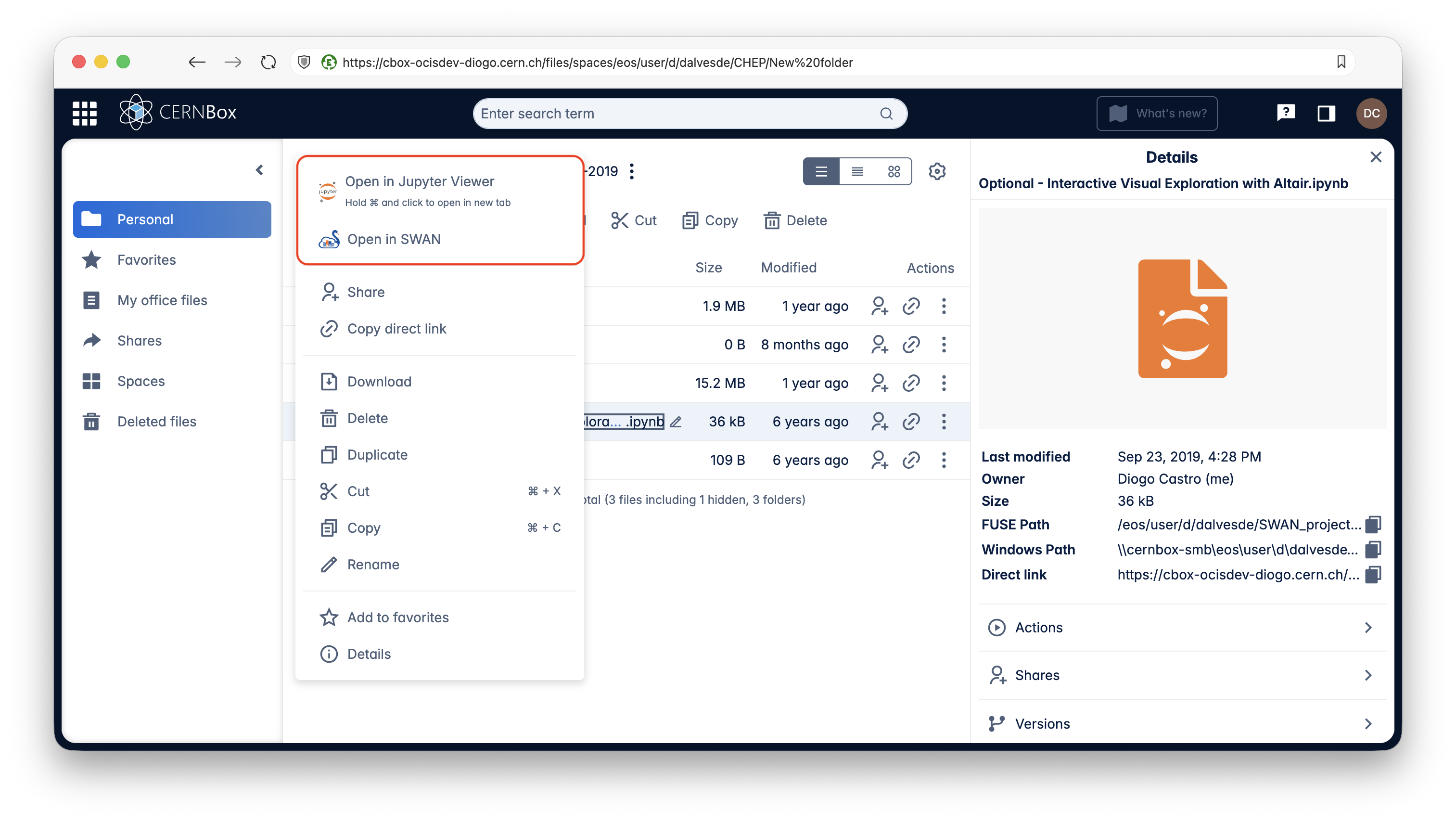
Clicking on a file will open it with the default application. To open with a different one, right click the file to see the options.
Application URLs
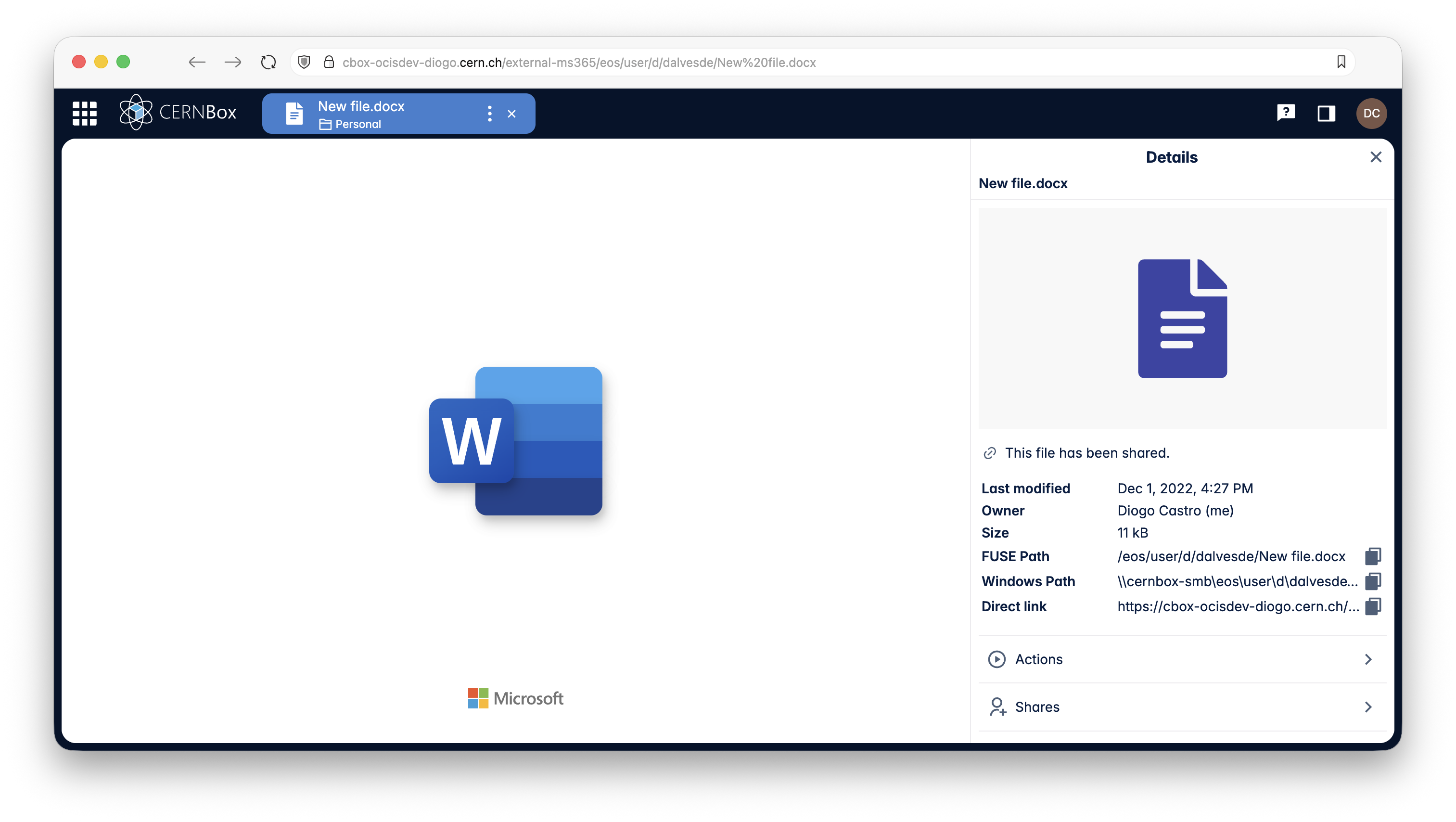
Just like all other URLs (see Universal URLs), the application URLs are also shareable with someone who has access to the file. They can be bookmarked so that you always land on the same application and on the same file.
Learn more about file apps
For more details on some of the available apps, chech their respective pages in the left menu.