Jupyter Notebooks
Notebook Viewer
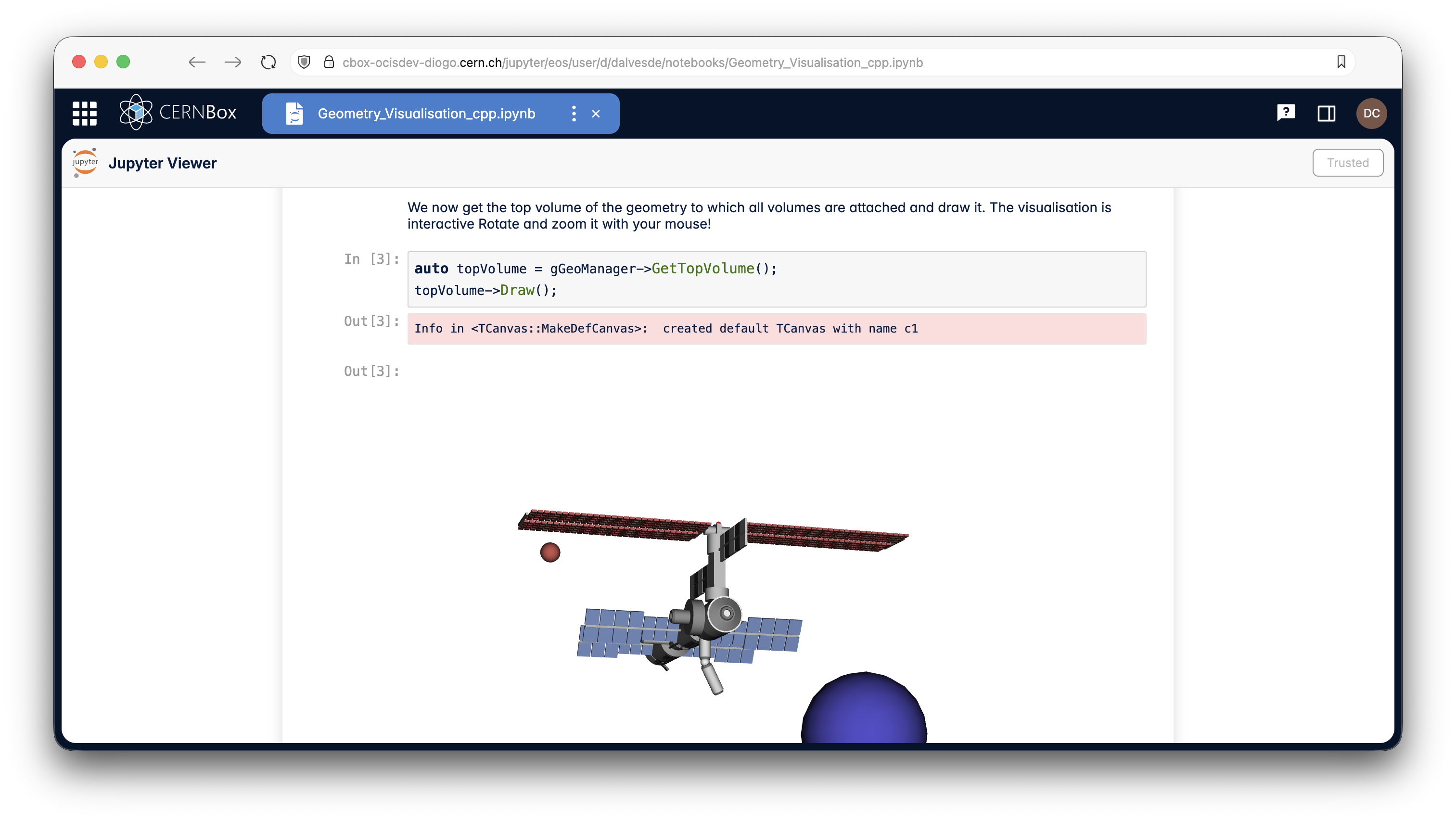
CERNBox can preview Jupyter notebooks using an application that renders both input and output cells.
Note
If your notebook contains script-based outputs (e.g. JSROOT interactive plots), you must manually trust the notebook.
Once trusted, all interactive content will render correctly.
Service for Web-based ANalysis (SWAN)
CERNBox provides storage and sharing for the SWAN service.
From CERNBox, you can right-click a notebook and choose Open in SWAN, or simply log in to SWAN directly: your CERNBox space will appear as your home directory.
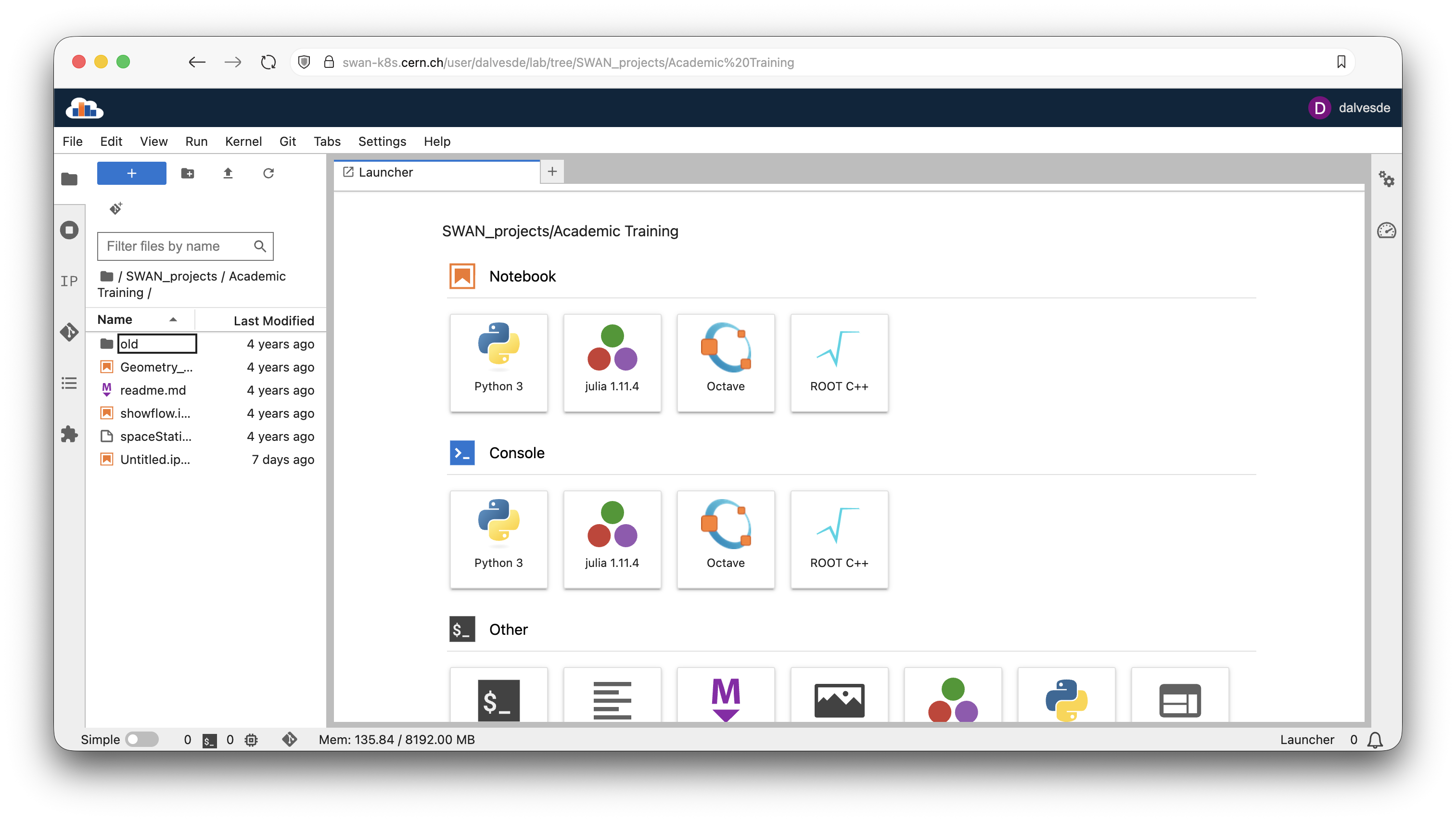
SWAN enables CERN users to:
- Analyse data without needing to install any software
- Access Jupyter Notebook and JupyterLab interfaces, as well as browser-based shell terminals
- Use CERNBox as a home directory and synchronise local storage with the cloud
- Access experiment and user data stored in EOS/CERNBox
- Share work effortlessly with colleagues via CERNBox
- Document and preserve scientific work: build catalogues of analyses to promote reproducibility and learning by example
Note
To log in to SWAN, you must have a CERNBox account. Log in to CERNBox at least once to create it.